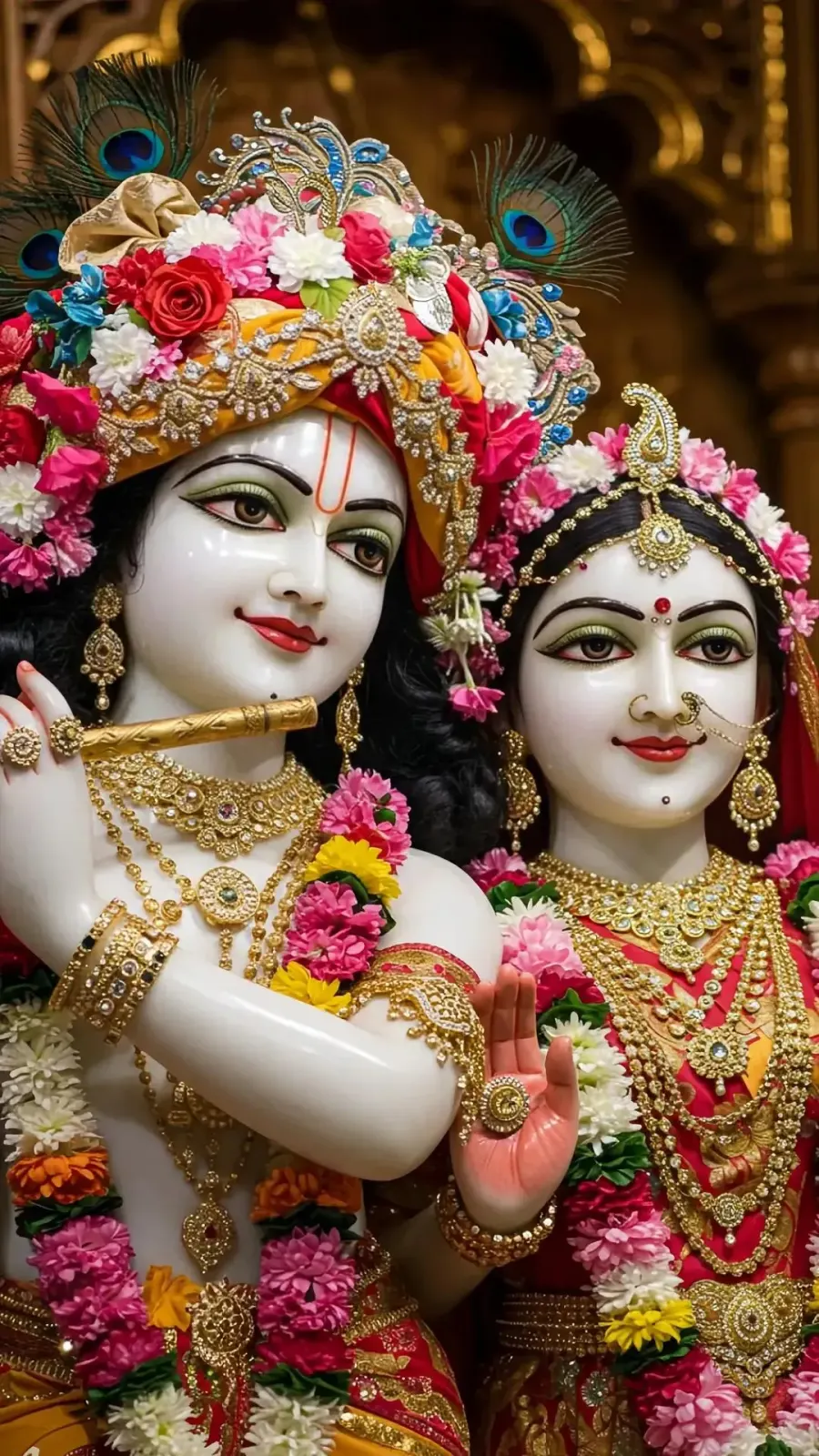
 Radha Krishna Pause
Radhe Radhe,
before you scroll.
अगली बार फ़ोन चलाने से पहले, एक पल राधा रानी के नाम।
A few gentle moments each day for Radha-Krishna. Open Instagram, YouTube or any app you choose, and darshan greets you first. Take a breath, say Radhe Radhe, then carry on.
Free · English & हिन्दी · No account · Nothing leaves your phone
Set it once. Then it simply happens.
About a minute to set up. After that, darshan finds you at the exact moments you would otherwise start scrolling.
- 1
Choose your apps
Pick the apps where time slips away, like Instagram, YouTube or Facebook. Only these apps can bring darshan.
- 2
Choose how often
One to five moments a day. Each arrives as a surprise, so it never feels like an alarm.
- 3
Pause and remember
When a moment is due and you open a chosen app, darshan appears first. Hold to say Radhe Radhe, or skip anytime.
Made with care, in English and हिन्दी.
Calm, full-screen darshan with a single gentle gesture. No feeds, no streak pressure, no ads.
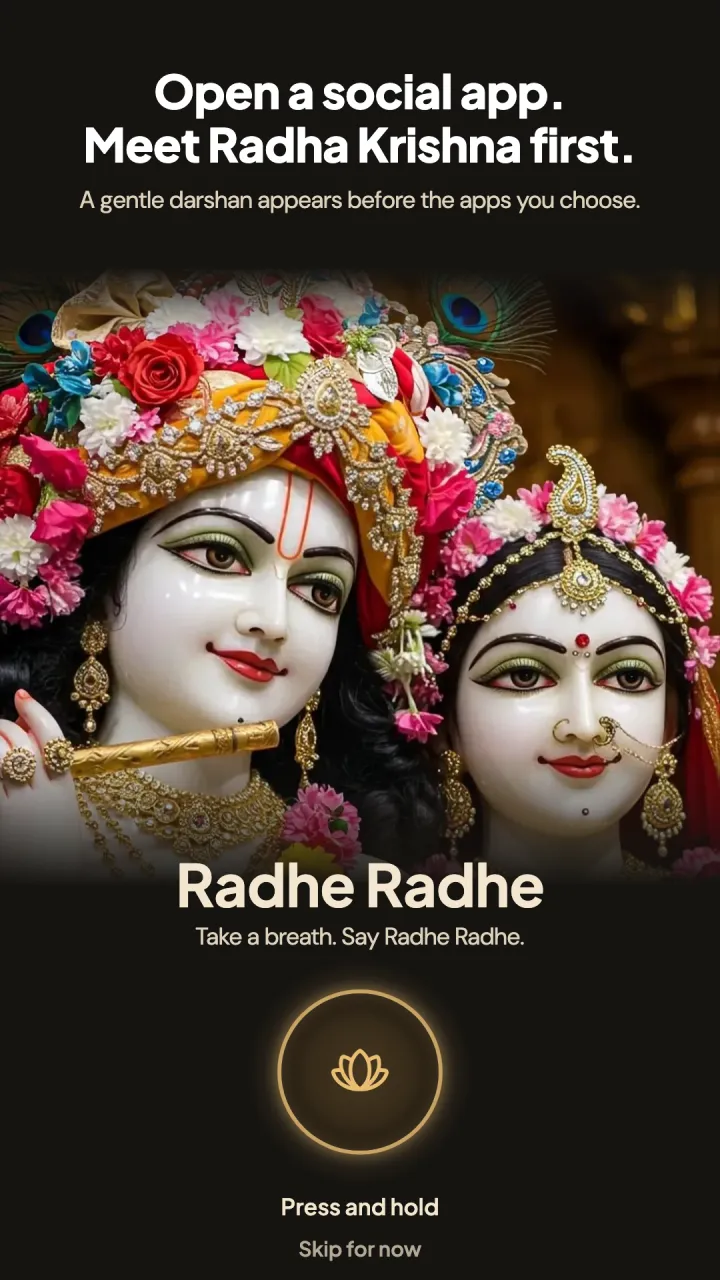
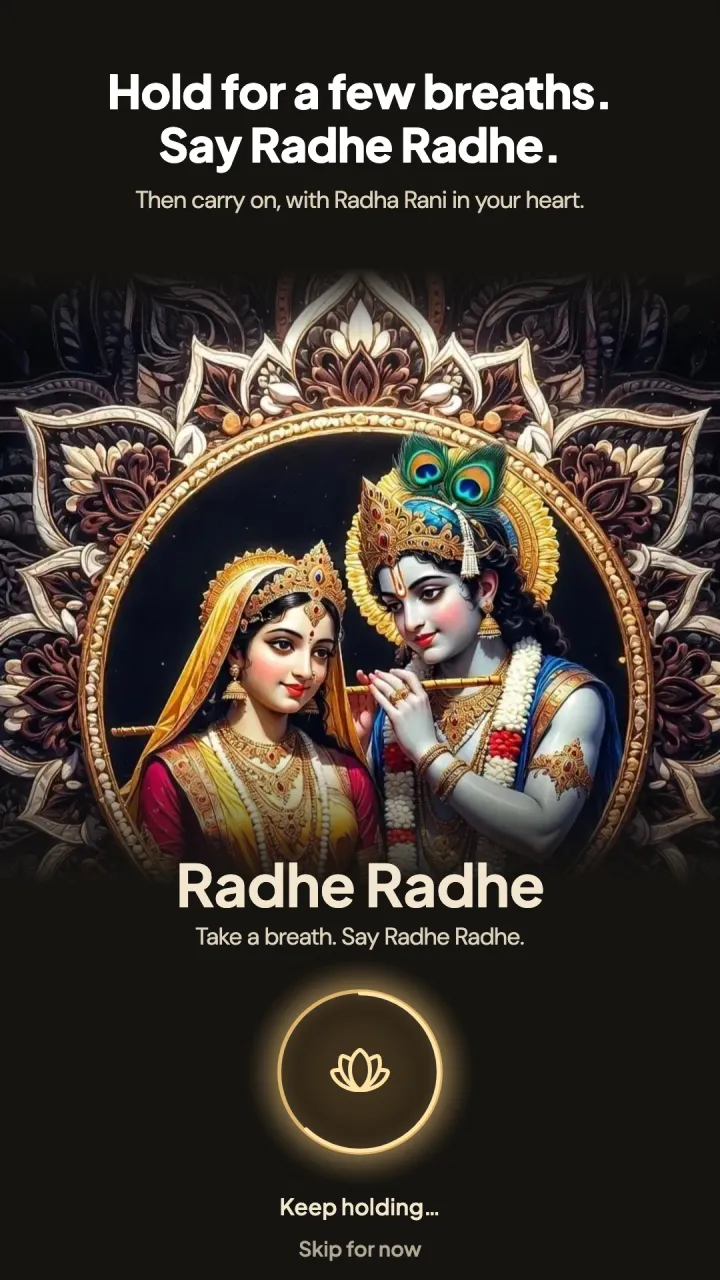
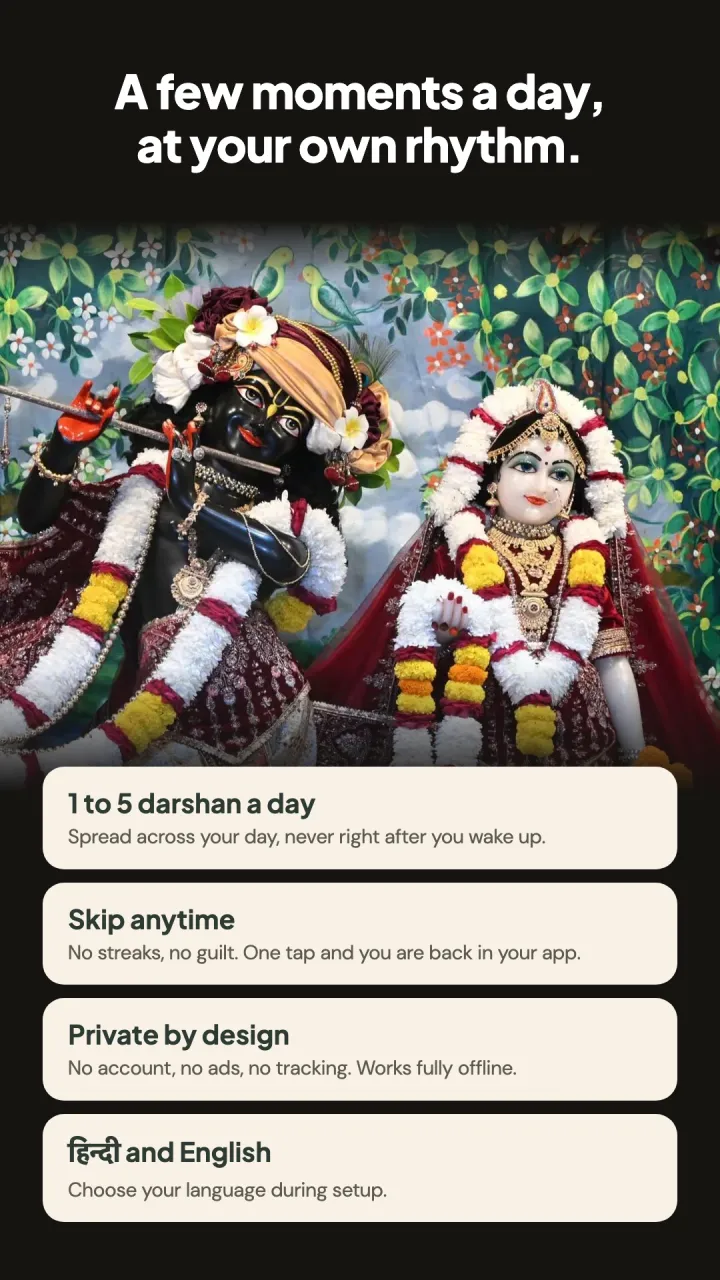
Swipe to see more
This is the whole ritual.
When darshan appears in the app, you press and hold for a breath while you say Radhe Radhe. That is it. Try it here.
Press and hold
Never the moment you wake up.
The app notices when your day actually begins and spreads moments naturally after it. A gentle tap on the shoulder, never a demand.
- A quiet first 90 minutes. Nothing appears while you are still waking up.
- Spread through the day. Some in the first half, the rest later, never bunched together.
- Different every day. Timing changes daily, so each moment stays a small surprise.
- Fits late risers too. Wake up late, and your evening stretches a little further.
Your own times will differ every day.
Your devotion stays on your phone.
To show darshan over the apps you choose, the app uses Android's Accessibility permission, and only with your consent. Here is what that means.
No account
No sign-up, login or email. Open the app and begin.
No tracking
No ads, analytics or third-party SDKs following you around.
No screen reading
It only learns which app opened. Never your messages, text or photos.
No servers
Your settings live on your phone and are never uploaded.
Good to know
Why does the app ask for Accessibility permission?
Android only tells an app which other app you just opened through its Accessibility service. Radha Krishna Pause uses it for one thing: checking whether that app is one you chose, so darshan can appear at the right moment. It cannot read what is on your screen and never taps or types for you. You can turn it off anytime in Settings → Accessibility.
Can I use it without Accessibility?
Yes. Open the app and take a darshan moment yourself whenever you like. Only the automatic moments over other apps need the permission.
Will it disturb me first thing in the morning?
No. The app notices when you first unlock your phone in the morning and keeps the next 90 minutes quiet. Moments are then spread through the rest of your day.
Darshan stopped appearing. What should I do?
Some phones, especially Xiaomi, Oppo, Vivo and Realme, stop background apps to save battery. In the app, open Settings → Battery & background help, set battery to Unrestricted and allow Autostart. If Accessibility turns off, the app reminds you at most once a day.
Can I skip a moment?
Always. Press back or tap skip and you are straight into your app. No guilt, no streak to lose.
Is it free?
Yes. No ads and no in-app purchases.
How do I delete my data?
Everything is stored only on your phone. Uninstall the app, or clear its storage in Android Settings → Apps → Radha Krishna Pause → Storage, and it is gone. Nothing is kept on any server.
Still stuck? Write to rahulcodes.dev@gmail.com.